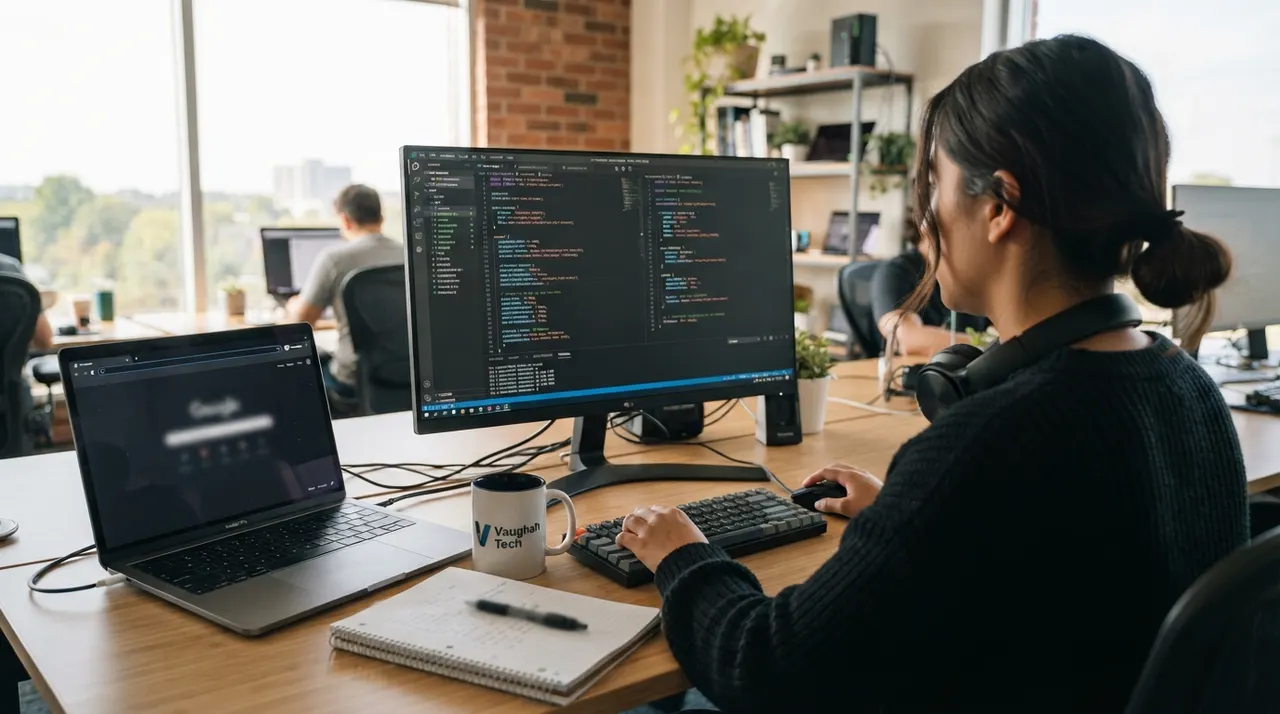
WooCommerce development Mississauga: how to hire a developer who builds secure stores, vets plugins, and knows what malware cleanup involves.
If you're searching for WooCommerce development in Mississauga, you'll find plenty of agencies that show off product grids, checkout animations and speed scores. Very few talk about what happens when the store gets infected. A WooCommerce store isn't a brochure site. It handles customer names, addresses, order history and payment flows, which makes it a far more attractive target than a five-page business website. This guide covers what to demand from a WooCommerce developer in Mississauga, and what the work looks like when a store has already been compromised.
Why WooCommerce Stores Get Targeted
WooCommerce runs on WordPress, and WordPress is the most widely attacked content platform because it's so widely used. Attackers don't pick Mississauga shops by name. They run automated scans for outdated plugins, weak admin logins and exposed files, then infect whatever answers. Your store being small is not protection. It just means nobody notices for longer.
The usual entry point is not WooCommerce itself. It's the plugins around it: a abandoned shipping calculator, a free popup tool, a nulled premium theme downloaded to save $60. The WooCommerce project's own security best practices for developers stress validating input, escaping output and keeping extensions limited and maintained. A developer who treats those as optional is building you a liability.
What Malware Does to an Online Store
Store infections tend to fall into a few patterns, and some of them are invisible to the owner:
- Card skimmers: injected JavaScript that copies checkout form data and sends it to an attacker's server while the order still goes through normally.
- Fake admin accounts: a new administrator user that survives plugin updates and lets the attacker back in after a partial cleanup.
- SEO spam: thousands of hidden pages selling pharmaceuticals or counterfeit goods, which can get your product pages flagged or dropped in Google.
- Conditional redirects: customers arriving from Google get sent to scam sites, while you, logged in as admin, see nothing wrong.
- Backdoor files: small PHP scripts hidden in upload folders that reinstall the infection after you delete it.
The skimmer is the worst one for an e-commerce business, because you can lose customer trust long before you notice anything. If you suspect any of the above, our website malware removal service is built for exactly this: find every backdoor, remove the injected code, close the original entry point, and verify the store before it goes back to taking orders.
A store that takes orders normally is not a store that's clean. Skimmers depend on checkout continuing to work.
What to Ask a WooCommerce Developer Before You Sign
Design portfolios tell you little about security. Ask these questions instead, and treat vague answers as an answer:
- Which payment gateway will you use, and does card data ever touch my server? Hosted or redirect checkouts (Stripe, PayPal, Moneris-type hosted pages) shrink your exposure considerably compared to collecting card numbers on your own pages.
- How many plugins will the build need, and why? Every extension is code you must keep patched. Fewer is better.
- Who handles updates after launch? A store launched and never updated is an infection waiting to happen.
- What backup and staging setup do you provide? You want off-site backups and a staging copy, so updates are tested before they hit live orders.
- What's your plan if the store is compromised? A good answer names logging, backups, and a cleanup process, not just 'we'd restore a backup.'
Restoring a backup often fails as a cleanup plan, because the backup may already contain the backdoor, and the vulnerability that let attackers in is still open. We go deeper on what a proper cleanup involves in our post on website malware cleanup in Toronto. The same logic applies in Mississauga.
Compliance Is Part of the Build
Two frameworks matter for a Canadian online store. First, card brands expect merchants to follow the PCI Data Security Standard, published by the PCI Security Standards Council. Your obligations depend on how you accept payments, which is another reason to choose hosted checkout. Second, under PIPEDA, organizations must report breaches of security safeguards that pose a real risk of significant harm, notify affected individuals, and keep records of breaches. A skimmer on your checkout page can easily trigger that duty.
That means a developer who can't explain where customer data lives, who can access it and how it's logged isn't ready to build your store. Our guide on vetting a web development company on security walks through the same checks for businesses just north of Mississauga, and it applies equally here.
Signs Your Existing Store May Already Be Infected
You don't have to be sure to act. Warning signs include Google Search Console security alerts, a browser 'deceptive site' warning, unknown admin users, unexpected files in wp-content/uploads, a sudden spike in server load, customers reporting card fraud after buying from you, or search results showing strange product titles under your domain. Recent campaigns targeting WordPress are tracked in our website hacks recap, which is worth skimming if you run plugins from third-party vendors.
Don't keep selling while you investigate. Put the store in maintenance mode, change every admin, hosting, database and payment gateway credential, and get the site professionally cleaned before reopening.
The Takeaway
Good WooCommerce development in Mississauga means a store that sells well and stays clean: few plugins, hosted payments, tested updates, off-site backups and a documented response plan. If you're hiring, make security the first conversation rather than the last. If your store is already acting strangely, start with a professional malware removal before any redesign, because a new theme on an infected install just hides the problem under better branding.
References
- WooCommerce Developer Docs — Security Best Practices
- PCI Security Standards Council — Document Library
- Office of the Privacy Commissioner of Canada — PIPEDA
This article is general educational information, not professional, medical, or purchasing advice. External links are provided for reference; DS Web Solutions Inc. is not affiliated with and does not endorse any third-party brand or organization listed.