
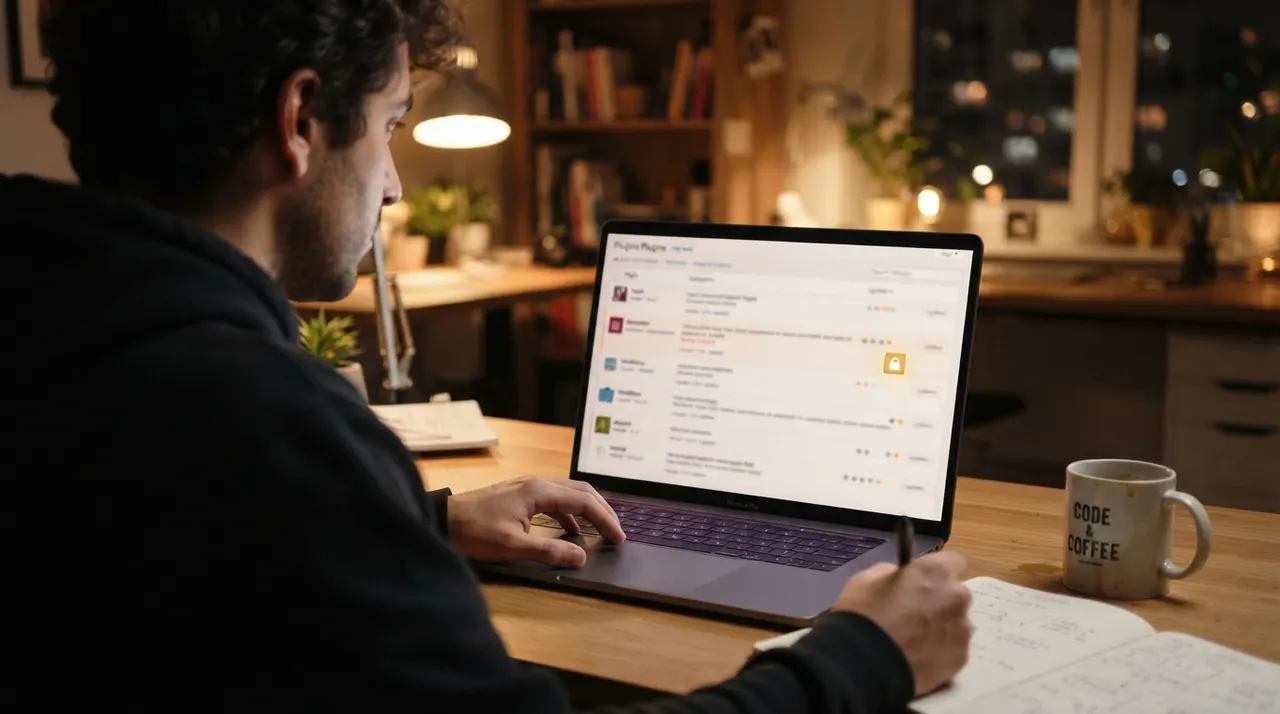
How do WordPress sites get hacked? Outdated plugins and themes are the leading cause. Here's how automated attacks work — and how to keep your site safe.
If you're wondering how WordPress sites get hacked, here's the honest, slightly deflating answer: it's almost never personal, and it's almost always a plugin. The overwhelming majority of hacked WordPress sites we clean weren't targeted by a hacker who wanted your business specifically — they were caught by an automated bot scanning the entire web for a known vulnerability in an outdated plugin or theme, and yours happened to have it. Understanding that reality is the key to both fixing a hack and preventing the next one, because it tells you exactly where to look.
Why plugins are the #1 way in
WordPress itself — the core software — is actually quite secure and auto-updates its minor releases. The risk lives in what you add on top of it. A typical WordPress site runs a dozen or more plugins and a theme, each written by a different developer, each a potential doorway. When a security researcher discovers a vulnerability in a popular plugin, it gets published — and within hours, automated attacks begin scanning for every site still running the unpatched version. Sucuri's 2023 Hacked Website Report found that 39.1% of infected CMS sites were running outdated software at the point of infection, and that vulnerable plugins and themes were a leading contributor across the sites they remediated. The names change year to year — old versions of page builders and form plugins are perennial favourites — but the pattern is constant: a neglected plugin nobody updated.
Nobody hacked your business. A bot hacked version 4.2 of a plugin you forgot you had installed — and your site was on the list.
It's a numbers game, run at massive scale
This is the part that surprises most owners. The attacks aren't hackers hunched over your site — they're automated campaigns hitting millions of sites at once. A single published plugin vulnerability can trigger a mass campaign that compromises tens or hundreds of thousands of sites in days, injecting the same spam redirect into every one. That's why the symptom is so often identical across totally unrelated businesses: a Vaughan dentist, a Toronto retailer, and a blog in another country all redirecting to the same spam network, because all three ran the same unpatched plugin. If your site is doing this, our guide to why your website redirects to spam explains what the injected script is doing.
The other common entry points
Outdated plugins and themes lead by a wide margin, but they're not the only door:
- Weak or reused admin passwords — brute-force bots try common and leaked passwords against your login page around the clock.
- Nulled (pirated) themes and plugins — "free" premium plugins from unofficial sites frequently ship with a backdoor pre-installed. You didn't get hacked; you installed the hack.
- Outdated PHP or a shared-hosting neighbour — an insecure hosting environment can let one compromised site infect others on the same server.
- Compromised credentials — a password stolen from a hosting or FTP account elsewhere, reused on your site.
How to actually keep a WordPress site safe
- Update everything, promptly — core, plugins, and themes. This one habit closes the single biggest attack vector. Enable auto-updates for plugins you trust.
- Delete what you don't use. An inactive plugin still on the server is still a vulnerability. If it's not in use, remove it entirely.
- Use strong, unique passwords and two-factor authentication on every admin account, and never install nulled plugins.
- Run a reputable security plugin (Wordfence or similar) with a firewall and malware scanning, so a new threat is caught in minutes.
- Keep off-site backups, so a clean rollback point always exists if the worst happens.
If it's already been hacked
Prevention is cheap; cleanup under pressure is not — but if your site is already infected, the order of operations matters more than anything. Remove the malware, hunt every backdoor, and close the specific plugin or theme vulnerability that let the attack in, or it simply reinfects. That root-cause step is exactly what a proper professional malware cleanup includes and what most cheap or DIY fixes skip. Our Code Red service cleans the site the same day, tells you in a written report precisely which plugin was the entry point, and hardens the site so the next automated scan finds nothing to exploit. If you think you're already infected, the warning signs of a hacked website will help you confirm it — then call us or use the contact form on our homepage.
References
- Sucuri — 2023 Hacked Website & Malware Threat Report
- Wordfence — How to Clean a Hacked WordPress Site Using Wordfence
- Google Search Central — Malware and unwanted software
This article is general educational information, not professional, medical, or purchasing advice. External links are provided for reference; DS Web Solutions Inc. is not affiliated with and does not endorse any third-party brand or organization listed.